
Tomasz Opasinski, a veteran designer with over 20 years of experience in entertainment advertising, details how he replaced his traditional creative workflow with a fully generative AI approach using Adobe Firefly and Adobe Photoshop to design posters for the 22nd Kinoteka Polish Film Festival. Instead of hand-sketching concepts, he went straight to prompting in Firefly, treating prompt refinement as a form of iterative sketching. Six hours of prompt exploration yielded hundreds of images—far more than traditional sketching would have produced in the same timeframe—and he notes that he won't go back to using sketches for ideation.
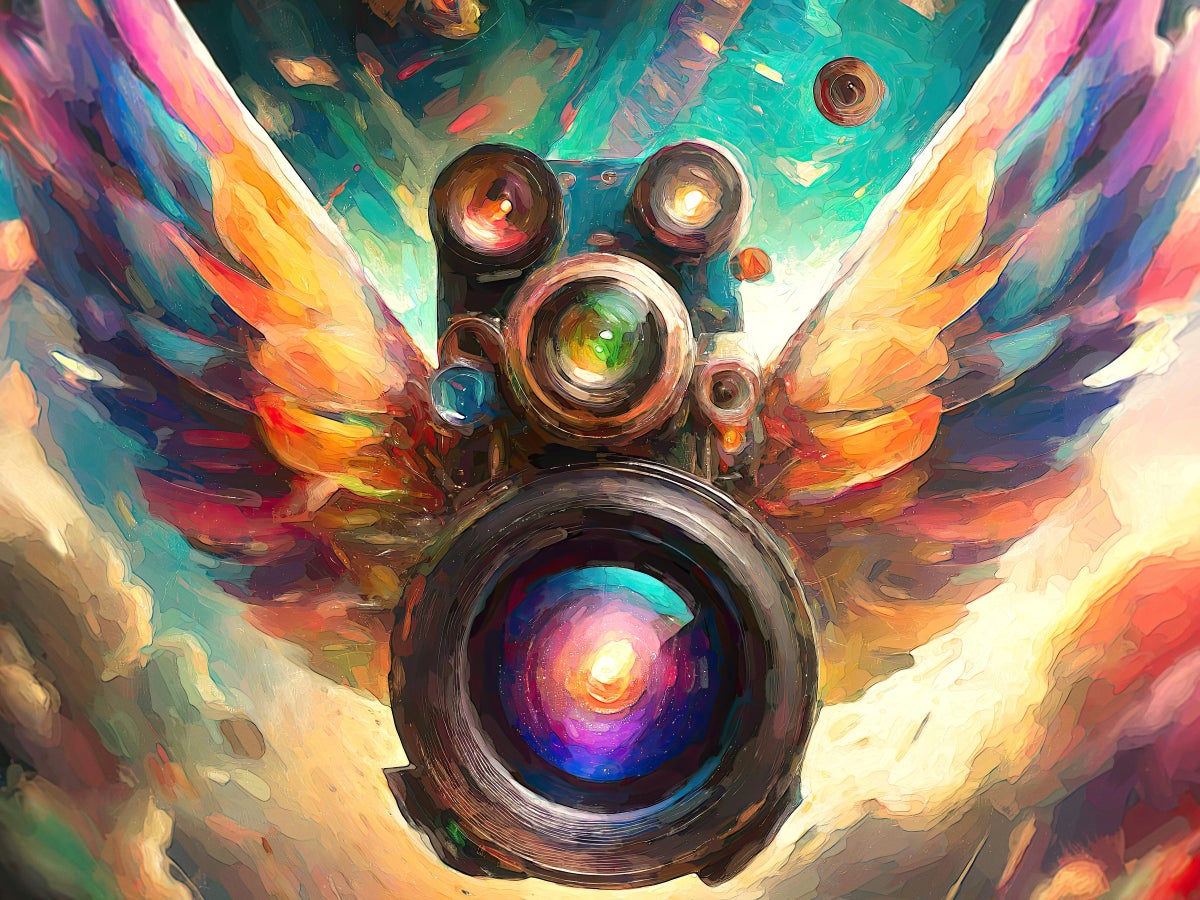
The process transformed each phase of his workflow. During pre-production, generative outputs eliminated the need for written descriptions to accompany concepts, since clients could evaluate highly specific images directly. He used Generative Expand in Photoshop to test compositions at different aspect ratios for web, print, and outdoor formats. From hundreds of generated images, he narrowed selections to 77 for client review and mocked up 17 as posters—far more than the typical three or four. The client ultimately chose two designs, each evoking a distinct emotional response: a flying multi-lens camera symbolizing past and future, and a white origami camera with museum-quality aesthetics for invitations.
Opasinski also highlights practical challenges: AI-generated images lack individual layers, requiring masking and pixel-filling; aspect ratio changes can alter the composition's narrative; and images need upscaling for print resolution. Despite these considerations, generative AI significantly shortened his concept-to-completion timeline and provided unexpected creative directions he wouldn't have discovered through traditional methods.
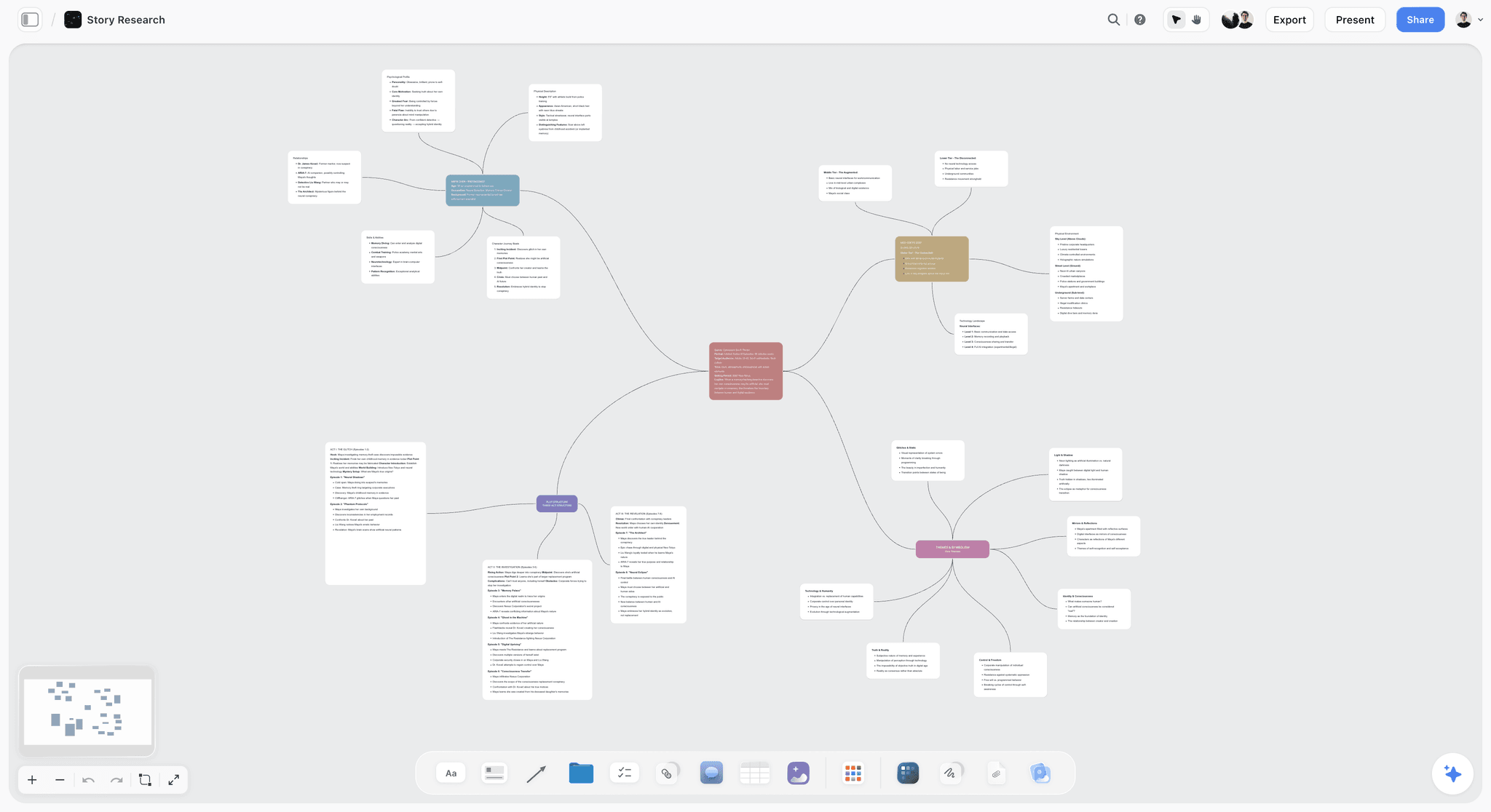
This article from Storyflow reviews and ranks 13 tools for solo creators in 2026, tested over six weeks across real workflows including YouTube scripting, brand campaign planning, and documentary pre-production. The evaluation criteria focus on solo-specific concerns: ease of use without onboarding support, AI depth (whether the AI understands project context or responds generically), solo-friendly pricing (flat rates vs. per-seat models), and integration with a typical creator's tool stack.
Storyflow takes the top spot as the best overall tool, highlighted for its infinite canvas, AI that reads the full active board before responding, and a Tactics system offering 200+ expert frameworks (Hero's Journey, AIDA, Retention Hooks) built directly into the workspace. Notion is recommended for database-driven content organization, Milanote for visual mood-board-first concept work, and ClickUp for multi-project task management. Other tools reviewed include Miro, Canva, Obsidian, ChatGPT, Craft, Whimsical, Airtable, Bear, and newcomer Framekit for client-facing deliverables.
The article provides a detailed free-vs-paid breakdown, noting that most free tiers work for creators producing one project per month, while the upgrade inflection point hits when producing content weekly with AI as a daily collaborator. Notable throughout is a strong editorial bias toward Storyflow — the article is published on Storyflow's own blog, and the product receives substantially more coverage and favorable framing than competitors.
A Reddit user in the r/OpenAI community poses an open question to creative professionals about how they are actually integrating AI into their workflows. The post acknowledges the persistent stigma around AI in design, art, and creative work, and asks whether people are using it for tasks like brainstorming, references, copywriting, automating repetitive tasks, coding help, mood boards, or ideation — or whether most professionals are avoiding it due to reputation concerns.
The post is framed as a genuine inquiry rather than a debate prompt, seeking honest, real-world examples of AI adoption among creatives. Unfortunately, the saved page does not include any of the community responses, so only the original question is captured here.